



Before launching a cold email campaign, one essential step is often overlooked: email warmup. ❤️🔥
If you start sending hundreds of emails per day from a new or inactive account, email providers like Gmail or Outlook may flag your activity as suspicious. This can quickly damage your sender reputation and send your emails straight to the spam folder. 🙊
Email warmup solves this problem by gradually increasing your sending volume over time. This process helps build trust with email providers,improves your deliverability, and ensures your messages reach your prospects’ inboxes. And not their spam folders.
In this guide, you’ll learn what email warmup is, why it matters, and discover the best tools to automate and optimize the process.
What Is Email Warmup? (Definition)
Email warmup is the process of gradually increasing the number of emails sent from an email account to build a positive sender reputation.
Instead of sending large volumes of emails immediately, you start with a small number and slowly scale up over days or weeks. During this period, your account sends and receives messages consistently, mimicking natural human email behavior.
This helps Internet Service Providers (ISPs) and Email Service Provider (ESP) recognize your account as legitimate and trustworthy.
In simple terms, email warmup prepares your account to send outreach emails at scale without being flagged as spam. ❄️

Why Is Email Warmup Important?
Email warmup plays a crucial role in the success of your cold . Without it, even well-written emails may never reach your audience.
Here are the main benefits:
1. Improve deliverability
A warmed-up email account is more likely to land in the primary inbox rather than the spam folder.
2. Build sender reputation
Email providers evaluate your sending behavior. Gradual activity signals that your account is safe and reliable.
3. Reduce spam risk
Sudden spikes in email volume are a common trigger for spam filters. Warmup helps you avoid this.
4. Increase campaign performance
Better deliverability leads to higher open rates, more replies, and improved overall results.
For example: imagine you’re launching an e-mail campaign with 1,000 prospects. You’ve prepared everything you need to make your campaign a success, you even have a list of prospects and your email copywriting is good.
You start sending e-mails in the hope of achieving excellent results. But you realize that only 20% of the e-mails you send reach the recipient’s inbox. 😫 That’s when you realize that you should have started by warming up your IP address!
In fact, even if your campaign settings are perfect, it only takes a few people to mark your messages as spam; for your ISP to flag your IP address and treat all future e-mails as spam.
10 Best Email Warmup Tools
Now that you know the basics of warm emails, let’s take a look at some of the best tools for warming up your email. 📤
With Waalaxy, you won’t need another tool to warm up your email account. 🔥 However, we have created a list of the 10 best warm-up tools available to use in addition.
Some of these tools allow you to warm up multiple accounts at the same time, as well as receive emails response in return, to show email providers that you have a reliable address! 👌
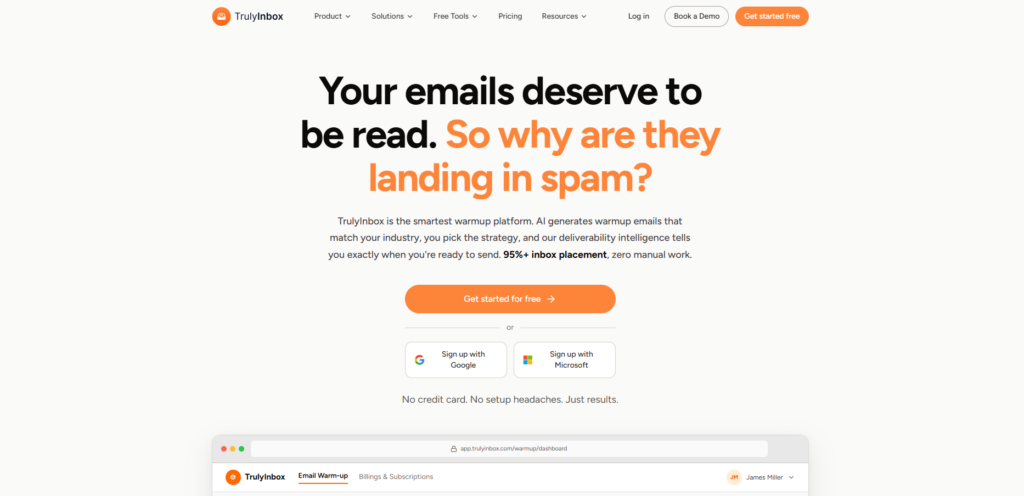
1. TrulyInbox
TrulyInbox is the most affordable email warm-up tool that lets you connect and warm up unlimited email accounts in any plan, starting at just $22/month.
✅ Unlike every other tool in this list, you are never charged per inbox, so your costs stay flat no matter how many accounts you scale to. The platform mimics natural human sending behavior using a network of highly reputable inboxes, gradually building trust with ESPs and helping senders reach 97%+ inbox placement within 4 weeks.
👉 The moment you connect an account, TrulyInbox automatically checks your IP and domain blacklist status and verifies your SPF, DKIM, and DMARC records, so any deliverability issues are caught before your campaigns go live.
Features:
- Connect and warm up unlimited email accounts at no extra cost.
- Automatically checks IP and domain blacklist status on account connection.
- Verifies SPF, DKIM, and DMARC authentication records.
- Graphical reporting dashboard with granular deliverability insights per ESP.
- Warm-up customization for sending volume, reply rate, and ramp-up rate.
- Sends highly personalized emails to avoid spam
- Forever-free plan available — no credit card required.
Price plans:
- Free – 1 email account, 10 warmup emails/day
- Starter – $22 per month (billed annually)
- Growth – $84 per month (billed annually)
- Scale – $169 per month (billed annually)
- Scale+/custom – $407 per month (billed annually)
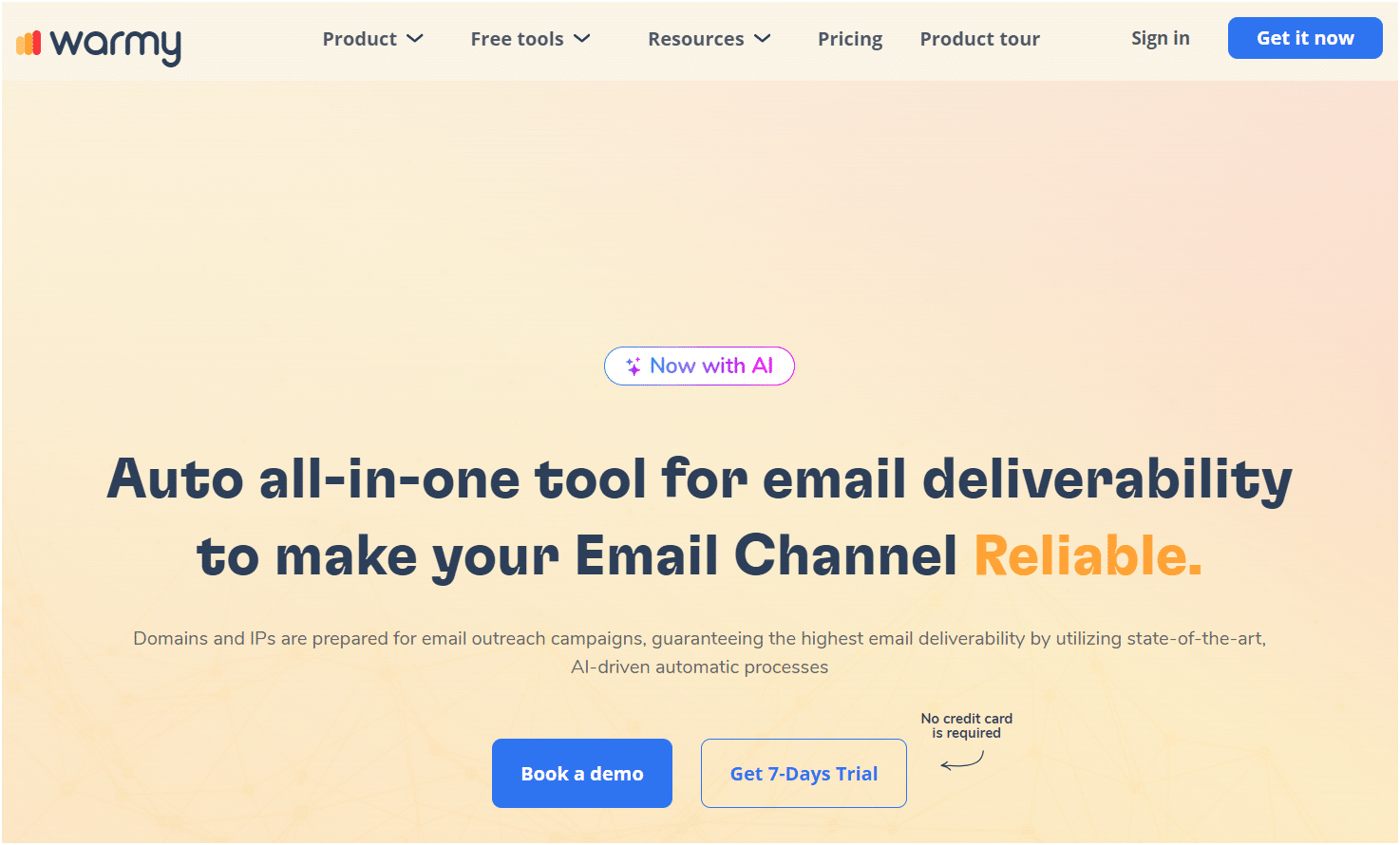
2. Warmy.io
Warmy.io is an innovative e-mail preparation tool designed to improve your e-mail deliverability rates. Using a combination of AI-based algorithms and human-like interactions, it ensures that your emails are considered legitimate by various ESP (email service providers). 🤖
This tool offers integration with popular email platforms such as Gmail, Outlook and SMTP, enabling seamless configuration. 🧊 Its unique approach to preparing your inbox involves interacting with real users within its network, creating a more authentic experience.
Features:
- Realistic interactions with real users.
- Customizable start-up programs.
- Detailed analysis and reporting.
- Integration with the most popular ESP.
- Spam score monitoring and adjustments.
- Easy-to-use dashboard to track progress.
Pricing plans:
- Starter – $49 per month per mailbox.
- Business – $129 per month per mailbox.
- Premium – $189 per month per mailbox.
- Expert – $279 per month per mailbox.
- Platinum – $429 per month per mailbox.
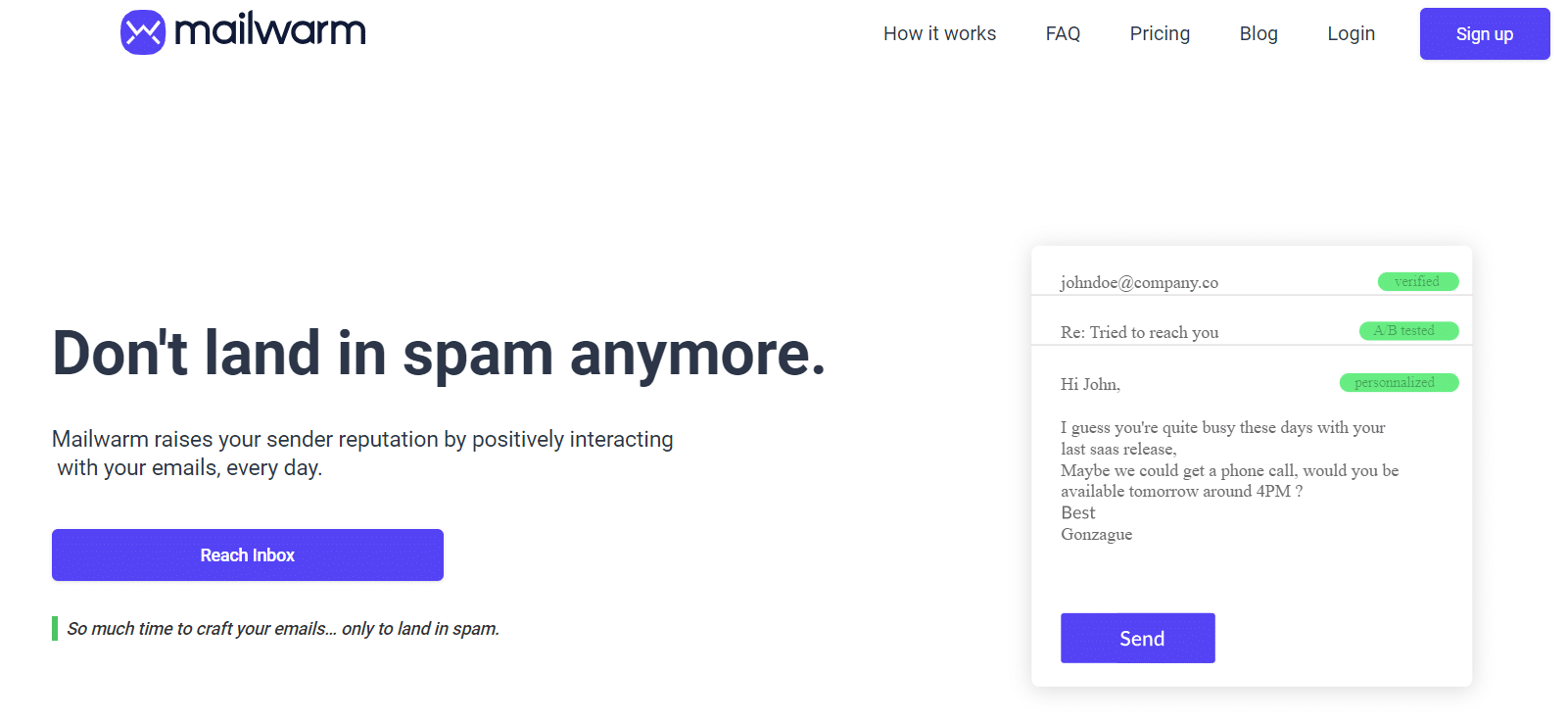
3. Mailwarm
Mailwarm is marketing software that ensures your e-mails reach your recipients’ inboxes. 👉 This tool makes your domain active by gradually increasing its send and response rates to create a positive sender reputation.
This tool uses a network of over 1,000 email accounts that interact with your domain according to the schedule you set. 📅
Of all the inbox warm-up tools listed in this blog, this is by far the most expensive, the starter pack costs $69 (for a single inbox). 🙊
Features:
- Create your own unique reply and send programs.
- Integrates with Gmail, Outlook, SMTP and other popular ESP.
- Easy configuration.
- Daily information.
Price plans:
- Starter – $69 per month (1 inbox).
- Growth – $159 per month (3 inboxes).
- Scale – $479 per month (10 inboxes).
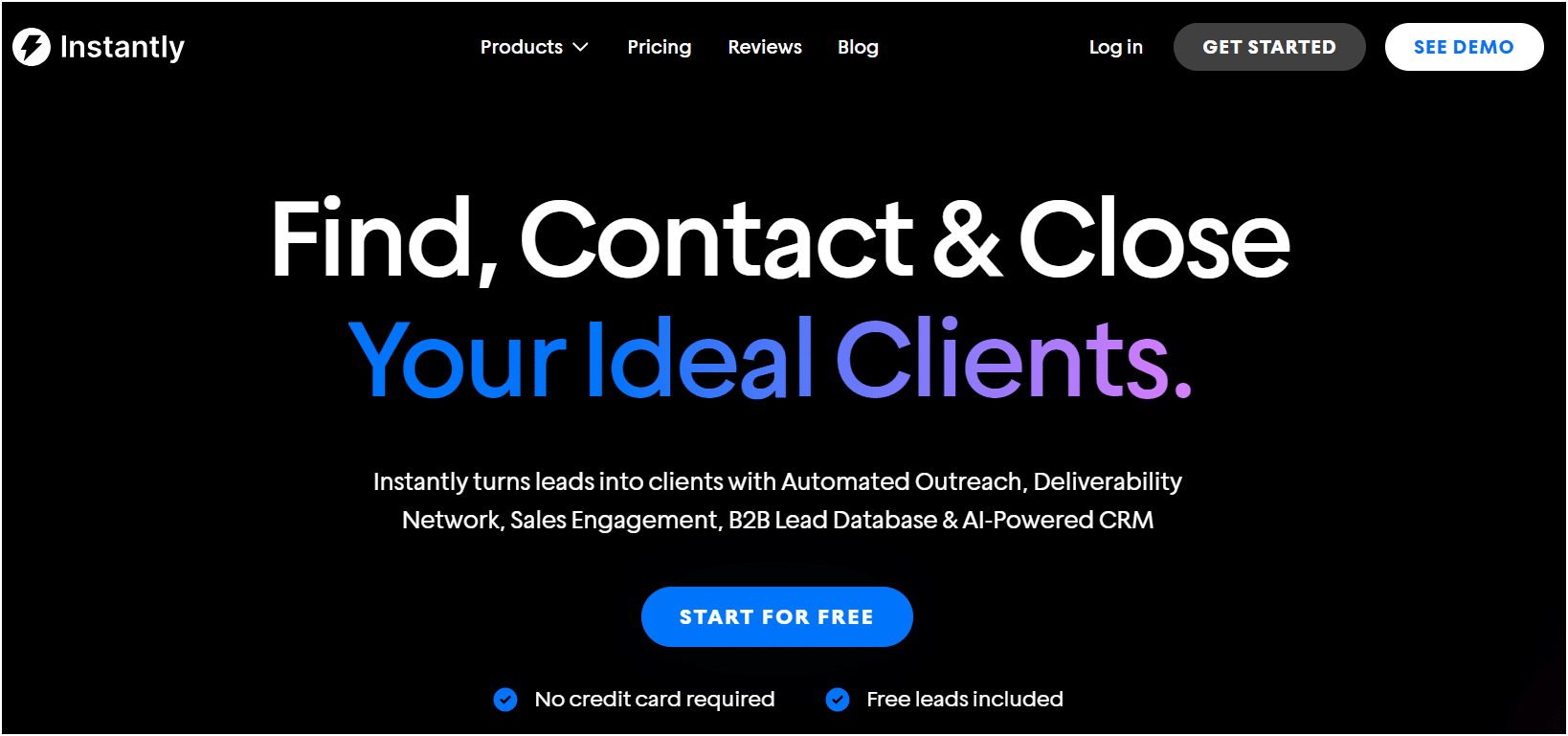
4. Instantly.ai
Instantly.ai is an email warmup software that maximizes your chances of getting dates and deals.
Thanks to Unlimited Warm-Up, your e-mails will never go to spam again, and your reputation is more optimized than ever. 🤩
It has over 200,000 mailboxes, ready to interact with yours to improve your deliverability. 👉 What’s more, you can manage all your cold email marketing campaigns directly within the tool.
Features:
- Instantly.ai validates the e-mail addresses in your database and checks your SPF, DKIM and DMARC domain settings.
- You can personalize your e-mail campaigns by adding variables such as first name, city, or profession.
- Define your sending sequences according to precise time factors and maximize your deliverability.
- To guarantee a wide range of functions, it’s best to opt for the Hypergrowth package.
Price plans:
- The Growth package at $30 per month lets you heat as many mailboxes as you like, up to 5,000 e-mails per month.
- The Hypergrowth package at $77.6 per month lets you send up to 100,000 e-mails per month.
- Instantly.ai does not offer a free package, but a free trial is available for both subscription packages.
5. Warmup Inbox
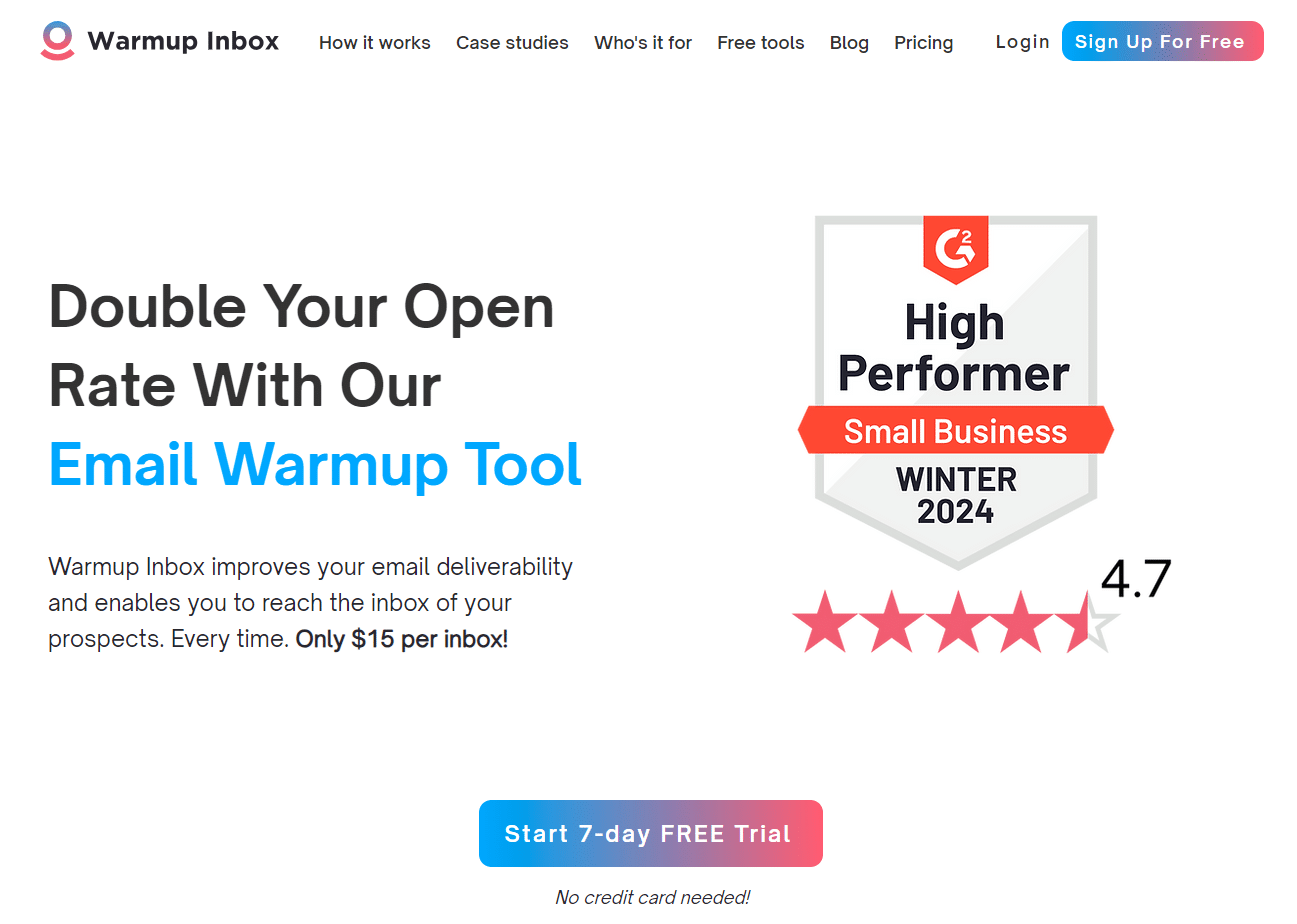
WarmUp Inbox is another standalone inbox warm-up tool that floods your inbox with « good » emails. 😇
This tool creates and sends intelligent dynamic content for every e-mail. 👉 They use a network of over 15,000 inboxes that communicate with each other to deliver the most authentic user experience.
Features:
- Outlook, Gmail and SMTP integration.
- Domain age tracking.
- Blacklist monitoring.
- Total control of mailings.
- Inbox health scores.
Rate plans:
- Basic – $19 per month.
- Pro – $59 per month.
- Max – $99 per month.
6. Mailreach
Mailreach is a popular email warmup tool that charges per mailbox account and gives you email spam check credits. 💰
With this tool, you can easily set up your mailbox for warm up and check whether its emails land in the inbox or in spam with spam verification credits. 📩
It has a pool of over 20,000 real human inboxes connected to it, used to receive e-mails and warm up your inbox. 👉 It’s easy to set up and use.

Features:
- AI-enabled intelligent warm-up algorithm.
- Over 20,000 real human accounts in the e-mail pool.
- Email spam tester.
- Email reputation tracking dashboard.
- Support for all major ESP and custom SMTP.
Price plans:
- Starting at $25 per month (billed annually).
7. MailFlow
MailFlow by QuickMail, is a tool is integrated with their main cold e-mail automation platform. 🥶 Once you’ve linked your e-mail account to MailFlow, your domain will automatically start sending and receiving e-mail to and from other users.
One of the reasons this tool stands out from the rest is that it’s completely free. 🤑 However, there are some limitations on the number of e-mails sent in a day and the number of inboxes you can connect.

Features:
- Connects to Gmail, Outlook and other inboxes.
- Specially designed for cold mailers.
- Deliverability reports.
- Engage with real people.
Pricing plans:
- Free – 100 e-mail addresses.
- Starter – $49 per month.
- Pro – $99 per month.
8. Warm Up Your Email
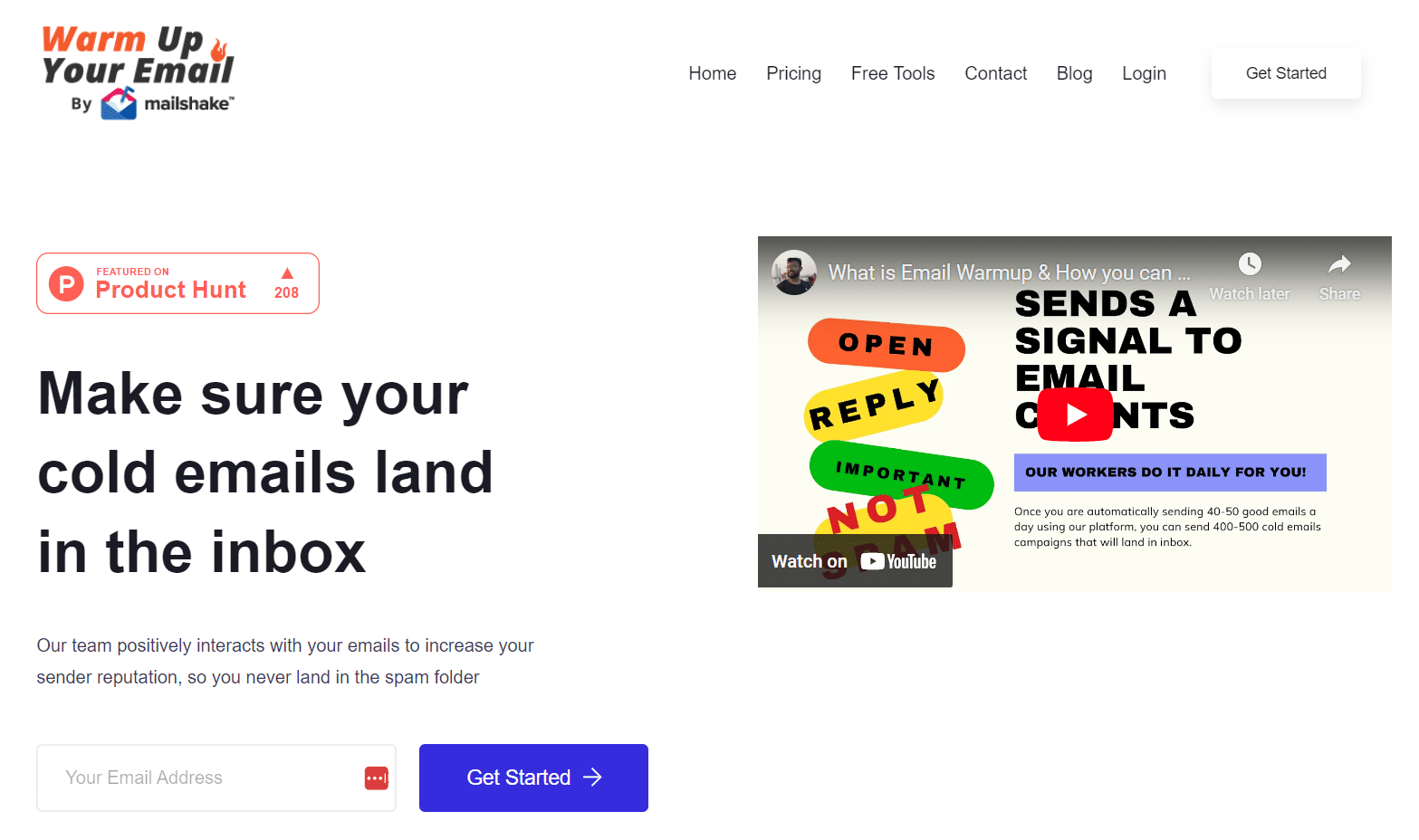
Warm Up Your Email by Mailshake is a tool that sets itself apart from the rest by using real team members to generate engagement for your emails. 👋
Features:
- Real people answer, open and read your e-mails.
- Spam scoring and pattern monitoring.
- Human and computer warming combined.
- Connects to Gmail, Outlook, SMTP and other popular inboxes.
Price plans:
- Sole Sender – $29 per month.
- Pro Sender – $49 per month.
- Agency Sender – $99 per month.
9. Saleshandy
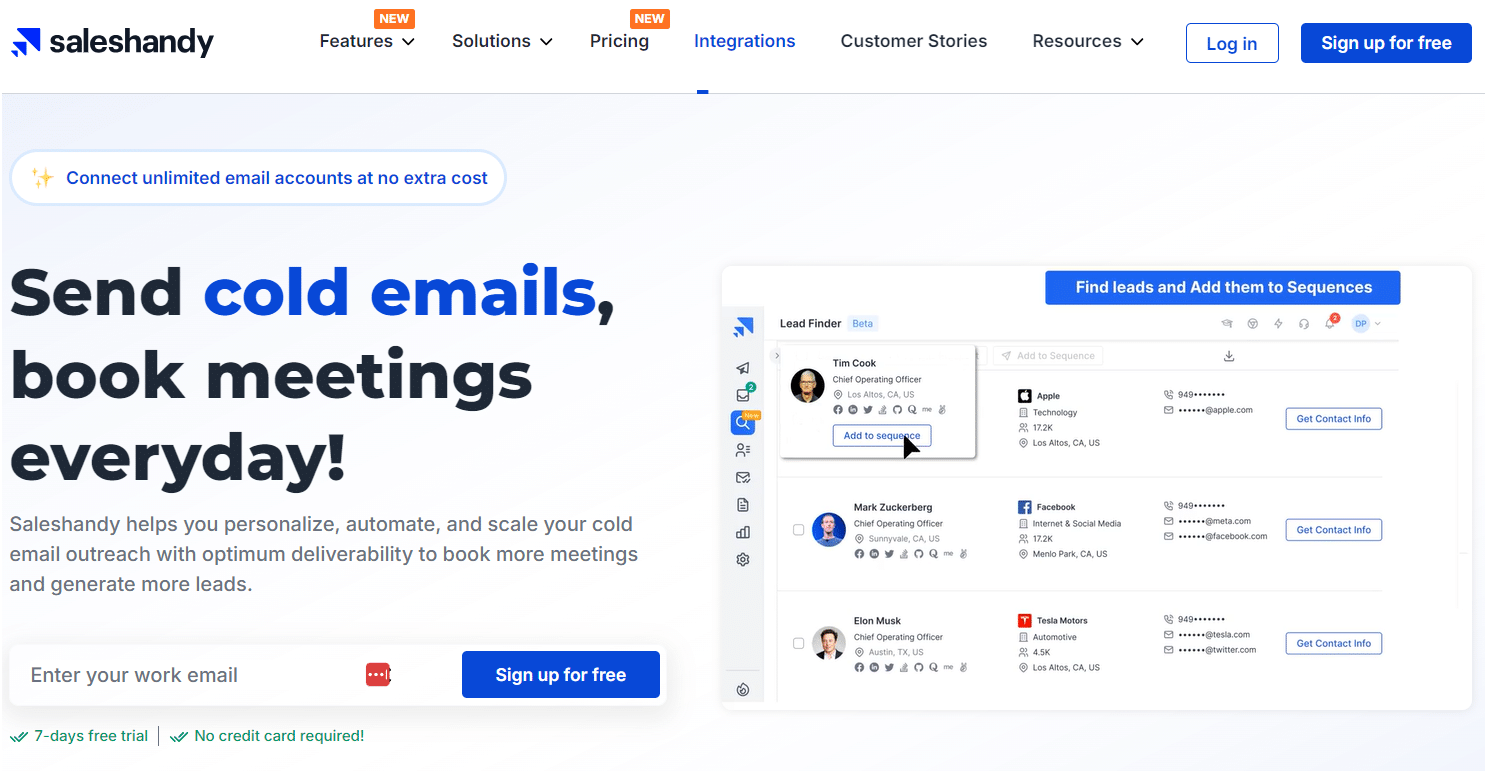
With Saleshandy, you can analyze the performance of each of your mailings. 📊 The email warmup service is directly integrated into your Cold-Email tool, so you only pay for one subscription.
All email providers are compatible with this tool. 🤝 The service uses algorithms to improve your company reputation and deliverability.
Features:
- Saleshandy offers just two packages, with a substantial price differential.
Price plans:
- The basic package starts at $27 per month to benefit from warm-up and add up to 2,000 leads.
- The Pro package at $79 per month lets you add up to 25,000 leads and send up to 125,000 e-mails per month.
- No free package, but a 7-day free trial.
10. Folderly
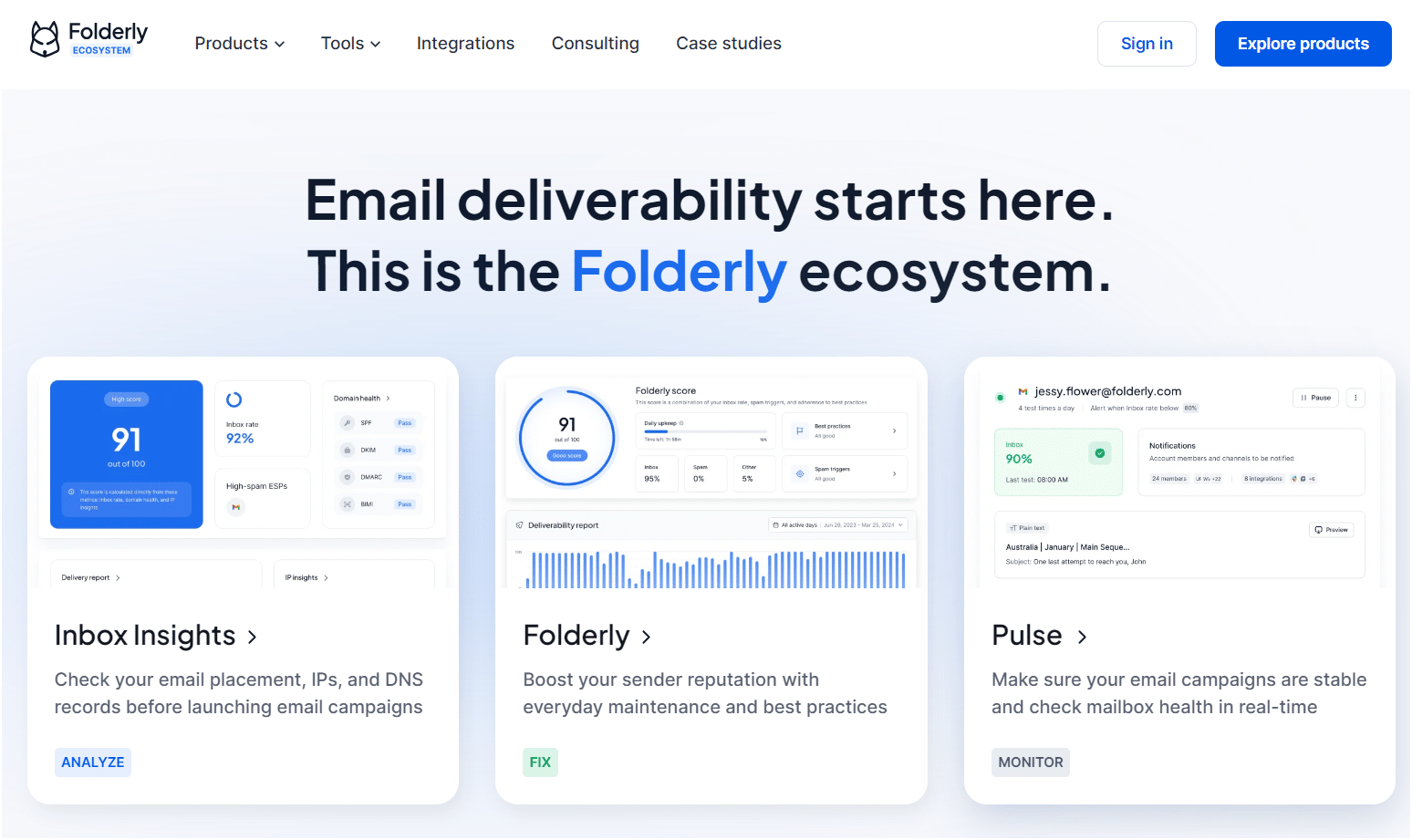
Folderly is an AI-based platform that increases the deliverability of your e-mails. 🧑🚀 They offer an all-in-one email deliverability platform enabling you to maximize the deliverability of your emails for any ESP.
Their AI-based machine learning mimics human conversations to successfully warm up your inbox or solve any spam-related problem. 🗣️ This is an expensive tool in this list, their basic plan starts at $120 per month.
Features:
- Integrates with the most popular ESP.
- Deliverability testing.
- Spam checker.
- Email deliverability audit.
Price plans:
- 120 per mailbox / month.

How to Do Email Warmup (Step-by-Step)
In order to avoid sending your emails to spam, let’s take a look at how to do the email warmup using an automation tool. 💥
We’ve seen the definition of email account warm up and demonstrated why it’s important to do so. ✍️
Now we’ll use Waalaxy’s lead generation campaign example as a use case, 👽 and detail what you need to do to heat your account properly.
Step 1: Synchronize your E-mail Account (Gmail / Outlook)
Completely free or with paid packages, Waalaxy is omnichannel automation software designed to help you reach potential customers and rapidly grow your business. 🚀
Creating an account is easy, simple, and commitment-free. 💍 Just a few clicks and it’s done!
All you have to do is go to our registration page, connect your LinkedIn account, and you’re all set. 🪄 Then you can synchronize your e-mail to launch automated campaigns.
Find out how to set up your mailbox for cold mailing here! 👈
Step 2: Upload your Prospect List
Now that your account is ready, you can start adding the prospects you want to target. 🎯
Whether you already have a list or want to start from scratch, you can easily import a list of prospects into your Waalaxy account. 🌌
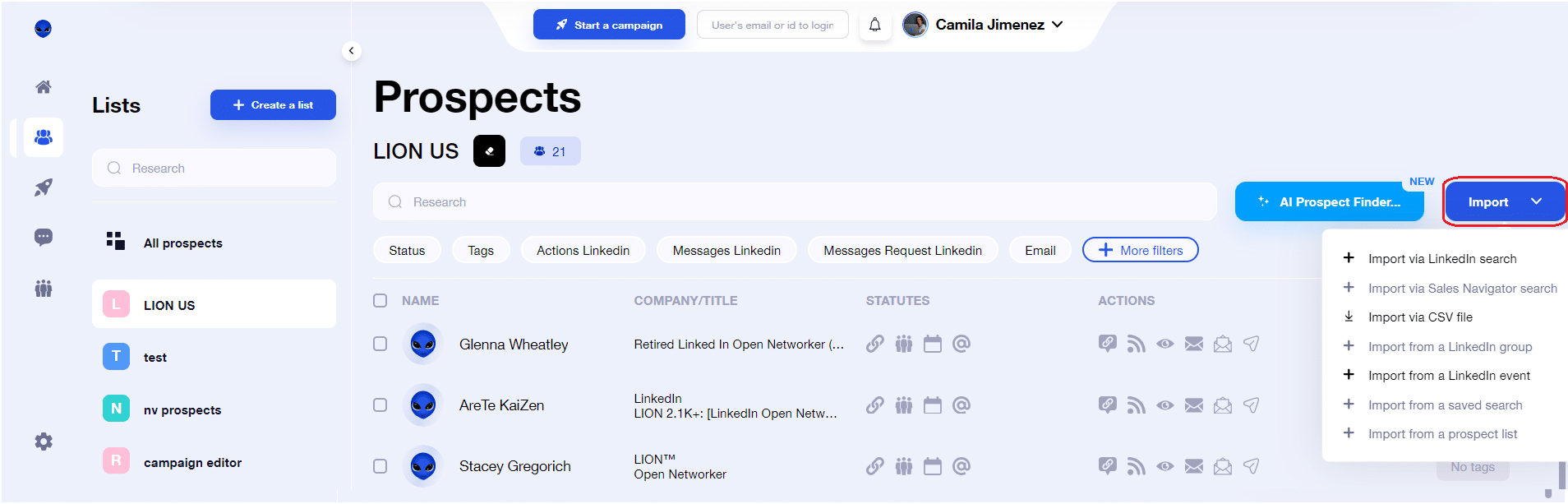
Simply go to « Prospects » and click on « Import » and that’s it! You can launch your campaign immediately afterward. 👏
Step 3: Create your First Campaign and Warm Up your IP
Now you’re at the warm-up stage. 🧨 Before launching your cold email campaign, it’s important to warm up your account slowly. 🍲 And that’s what you can do with Waalaxy!
Please start with a few e-mails; say 10 to 50 mails during the first five days, for example.
Warning: if you have a new e-mail account, during the first three weeks, exchange e-mails with people outside your organization to strengthen your IP address.
Furthermore, you can subscribe to various newsletters to receive a regular stream of emails. 🪶 This allows your email provider to identify your address as safe, since you receive regular replies from your recipients!
Then, thanks to the performance indicators in your interface, you can easily measure the response rates of your campaign and adjust it as you go along. 🧐

Here are some examples of sequences you can use for your warm-up email:
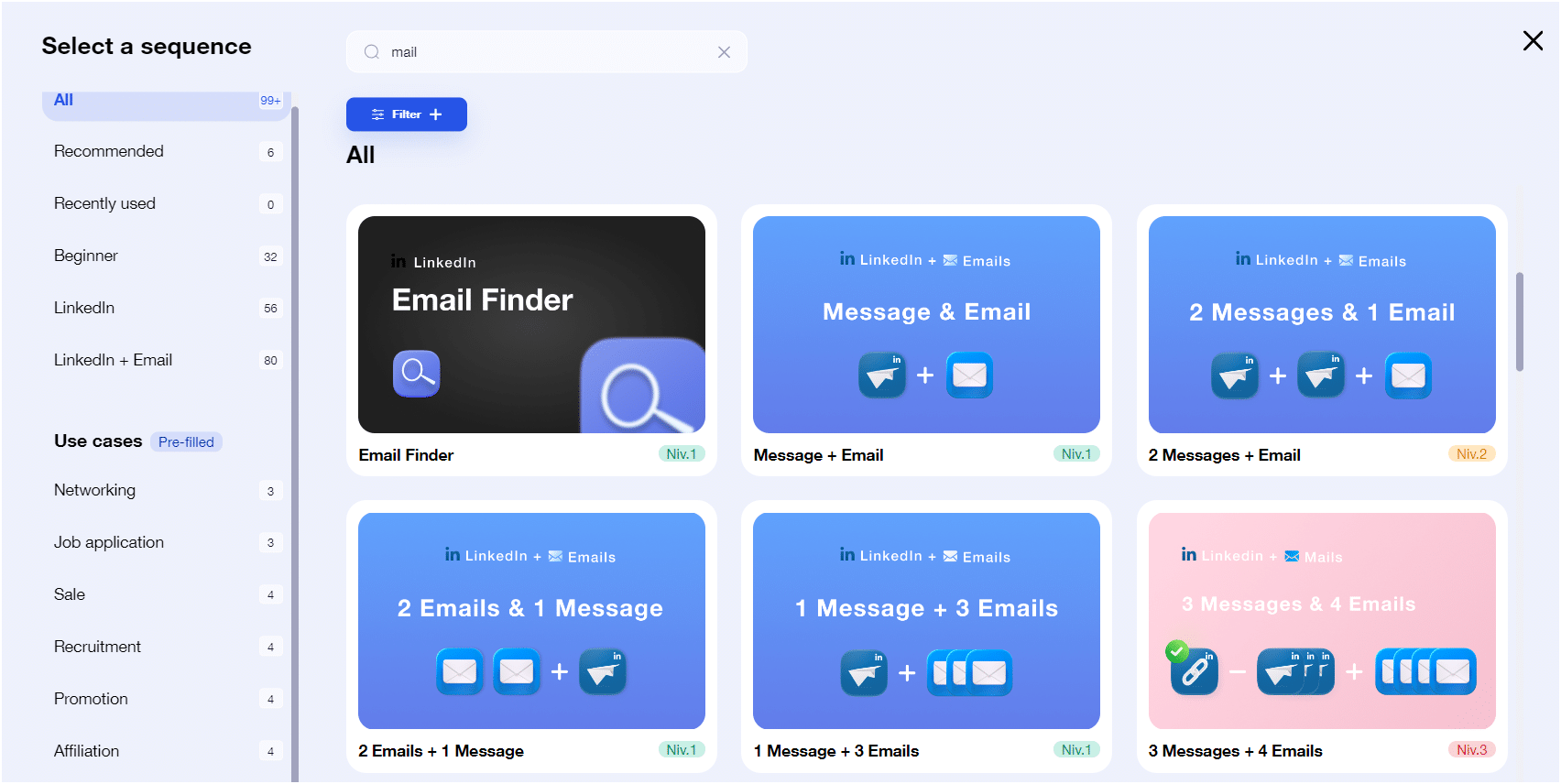
Once you’ve made sure that your e-mails are going into your prospects’ inboxes and not into spam folders, 🚫 you can increase your number of daily mailings.
Here’s a complete guide and analysis of best practices for sending emails via Waalaxy! 👈
Step 4: Enrich your Leads’ Data
To finalize this process, choose one of our many scenarios and customize it according to your prospecting goals. 🧲
We always recommend selecting a multichannel campaign, using at least LinkedIn and e-mail if you’re working in B2B. 🤓 This will enable you to generate more leads.
Once your campaign is ready and your contact list uploaded, all that’s left to do is take care of the email copy! 🪶
What’s more, you can enrich your lead data as soon as your campaign is launched thanks to our Email Finder, by picking the sequences that have this feature. 🔍
Now all you have to do is monitor your dashboard and track your campaign’s performance. 📈
Conclusion: Email Warmup Guide
Email warmup is often overlooked in the prospecting process, yet it plays a critical role in the success of your campaigns. 🏅
By gradually increasing your sending volume and maintaining consistent activity, you build a strong sender reputation. This helps improve deliverability, avoid spam filters, and ensure your emails reach your prospects’ inboxes.
To simplify the process, you can use one of the email warmup tools mentioned in this guide and automate your setup. 🔥
If you’re looking for an all-in-one solution, you can also try Waalaxy and start warming up your email accounts today.
FAQ: Email Warmup & Email Warmup Tools
How many emails should I send per day to start email warmup?
If you’re starting email warmup with a new email address, begin with 10 to 20 emails per day during the first few days.
Then, gradually increase your sending volume over 2 to 4 weeks. Most email warmup tools automate this process and safely scale your activity up to 100–150 emails per day, depending on your provider’s limits.
The key is consistency—avoid sudden spikes in volume, as this can negatively impact your sender reputation. 📨
How do you calculate email deliverability rate?
The email deliverability rate measures how many of your emails successfully reach recipients’ inboxes. It is calculated using the following formula:
(Number of emails delivered ÷ Total number of emails sent) × 100
A high deliverability rate indicates that your email warmup strategy is effective and that your emails are trusted by providers like Gmail and Outlook. 📧
What is sender reputation in email warmup?
Sender reputation is a score that email providers assign to your email address and domain based on your sending behavior.
It plays a crucial role in email warmup because it determines whether your emails land in the inbox or the spam folder.
A good sender reputation is built through:
- Gradual sending volume (email warmup)
- High engagement (opens and replies)
- Low spam complaints
Using reliable email warmup tools can help you maintain and improve this reputation automatically.
What are the best email warmup tools?
Some of the best email warmup tools available today include:
- TrulyInbox – affordable and easy to use for warming up multiple inboxes
- Warmy.io – advanced AI-based interactions and detailed analytics
- Instantly.ai – combines email warmup with cold email campaign management
- Mailwarm – strong reputation-building through a large interaction network
- Warmup Inbox – scalable solution with inbox health monitoring
These tools automate the email warmup process by sending, receiving, and interacting with emails to simulate real human behavior and improve deliverability.
How long does email warmup take?
Email warmup typically takes 2 to 4 weeks for a new email account.
However, the exact duration depends on your goals and sending volume. If you plan to send a high number of emails daily, a longer warmup period may be necessary.
Most email warmup tools allow you to control the pace and monitor your progress to ensure optimal results.
Can I do email warmup without tools?
Yes, you can do email warmup manually by sending emails gradually and maintaining regular interactions.
However, this process is time-consuming and less reliable. Email warmup tools are designed to automate interactions at scale, making them the most efficient way to build a strong sender reputation and improve deliverability.
 Camila
23/06/2026
Camila
23/06/2026 














